
Write
Import a Word manuscript or write directly in Folius.

Import a Word manuscript or write in Folius. Live print preview, then export EPUB free. No account required. Membership adds print PDF for KDP.
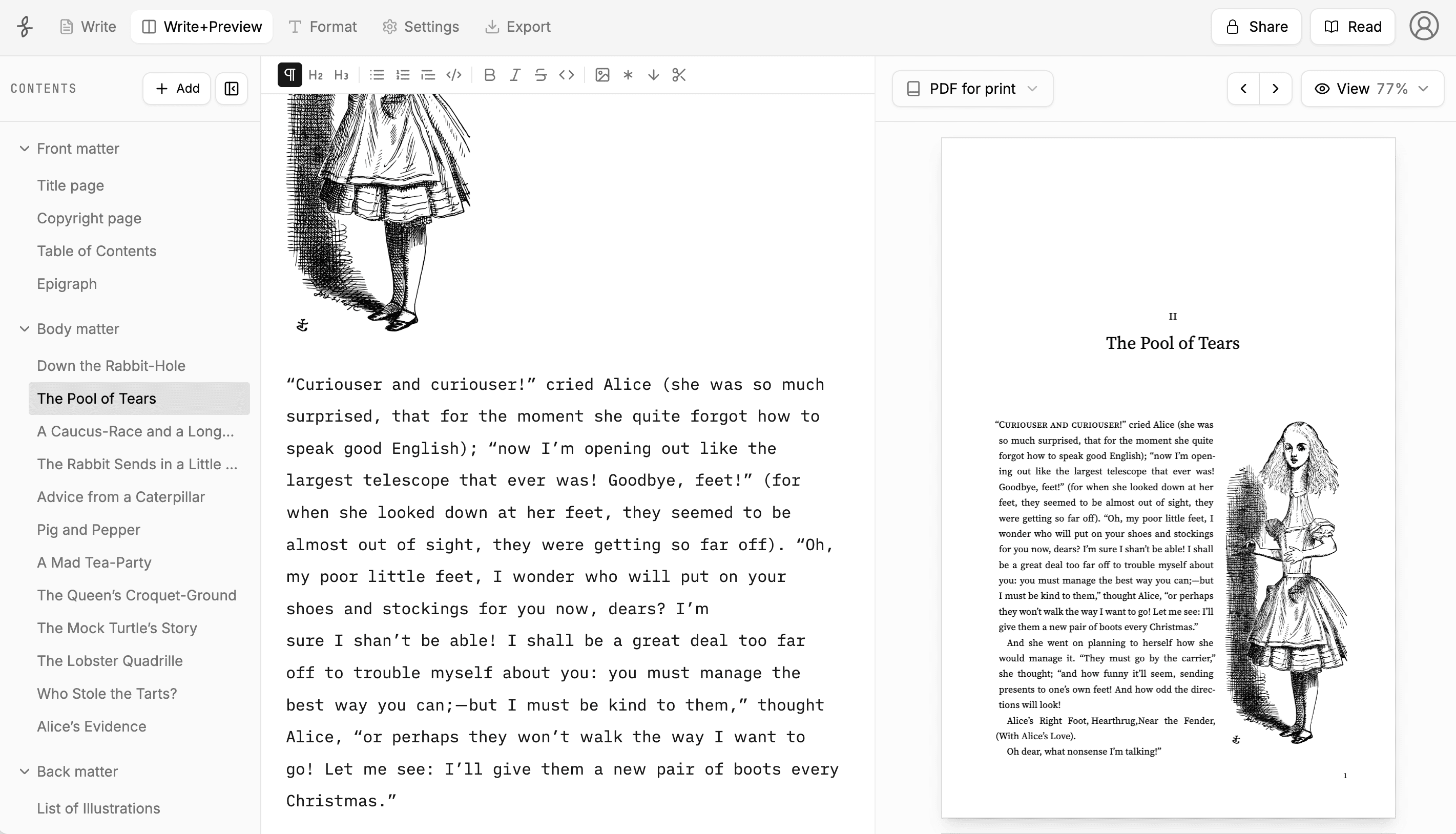
Import a Word manuscript or write directly in Folius.
Choose a book style and adjust the details in a live preview.
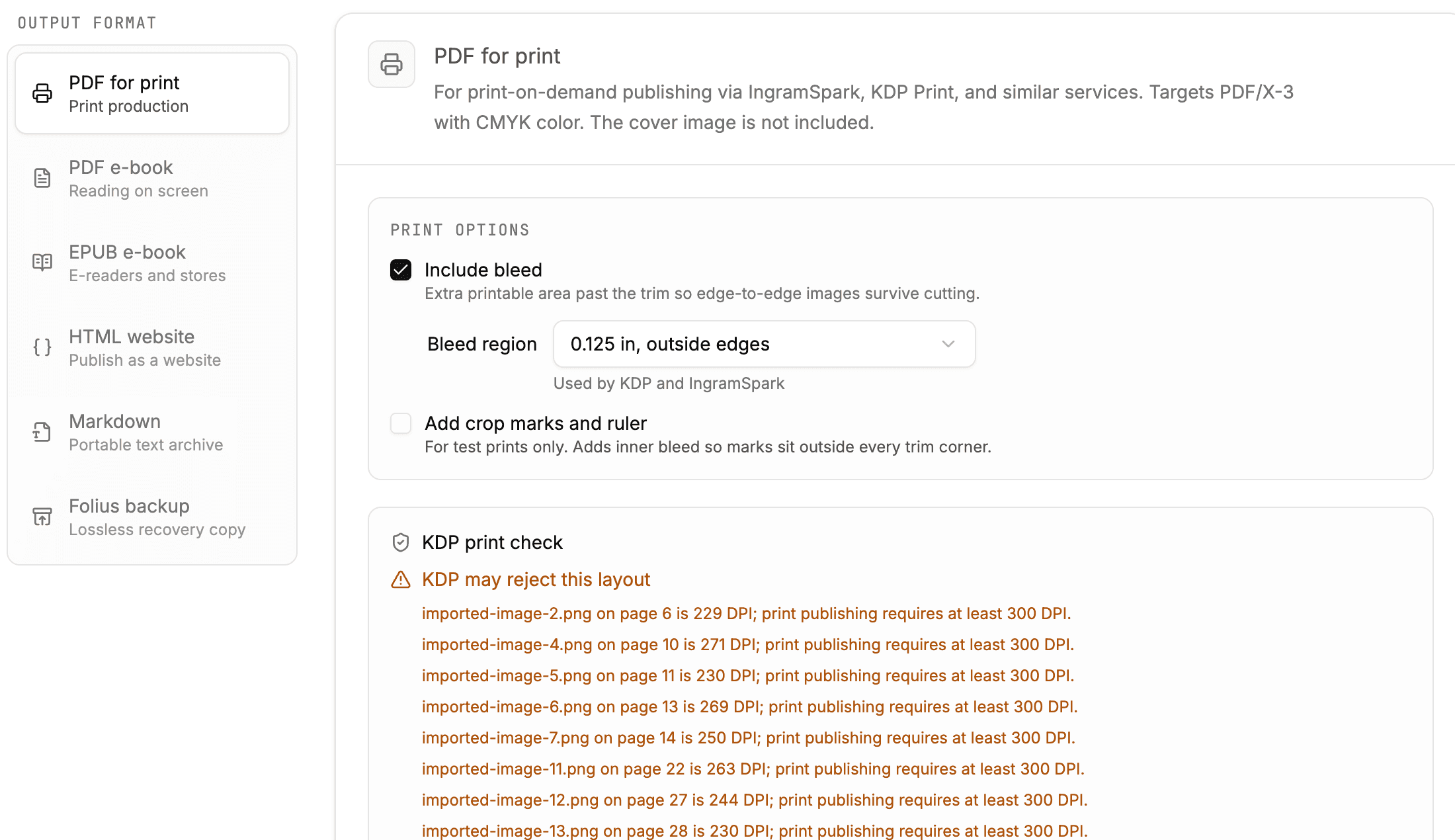
Create files for print, ebook, the web, or your own archive.
On Windows and looking for Vellum? Compare Folius, Atticus, Reedsy, and Kindle Create. Leaving Atticus? Compare the workflows before switching. Making a lead magnet? Compare manuscript-first ebook workflows.
Choose from professionally designed themes, or go fully custom.
The main tools for taking a manuscript from draft to finished files.
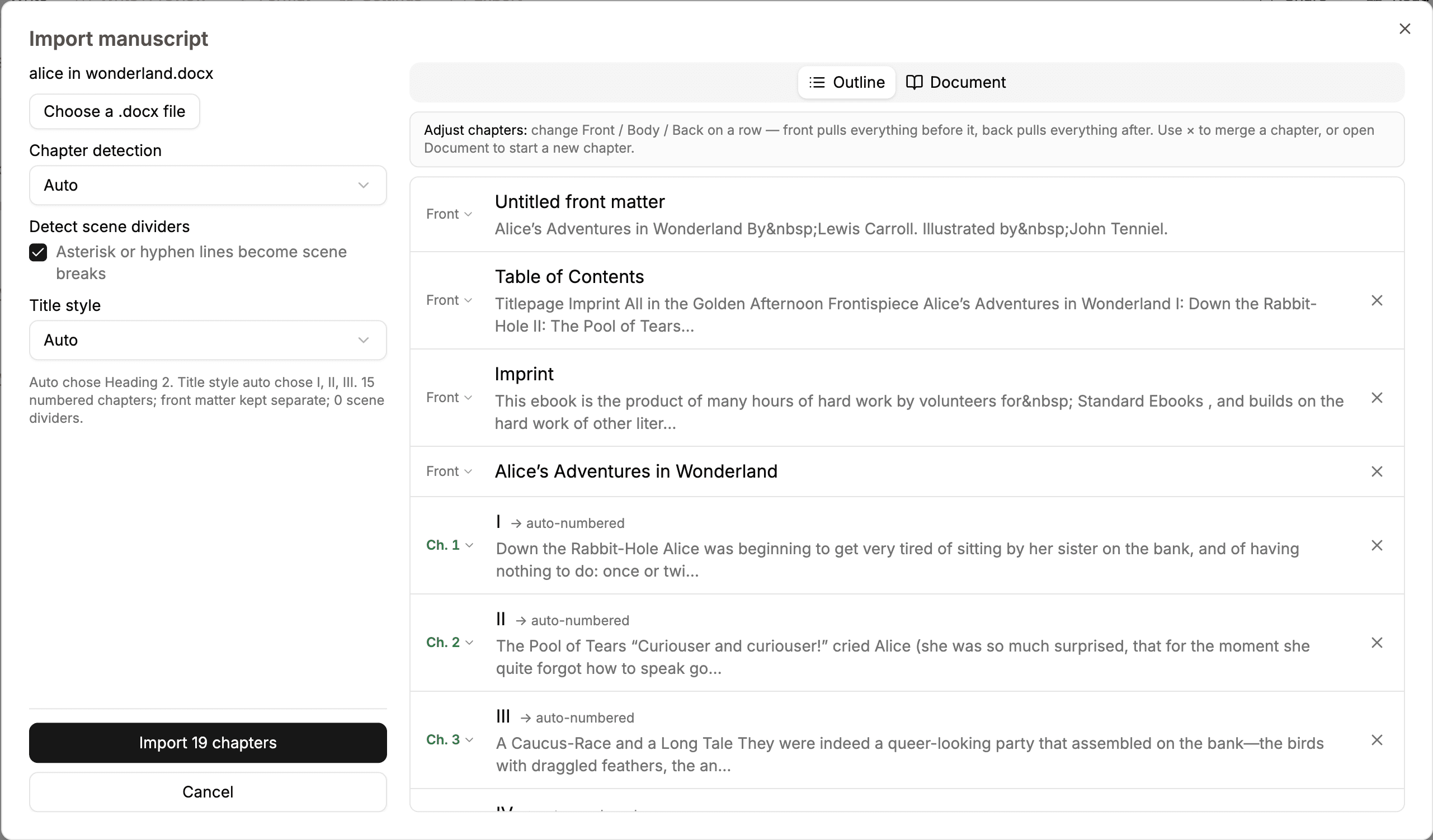
Import a .docx, review the detected chapters, and adjust the splits before adding it to your book.
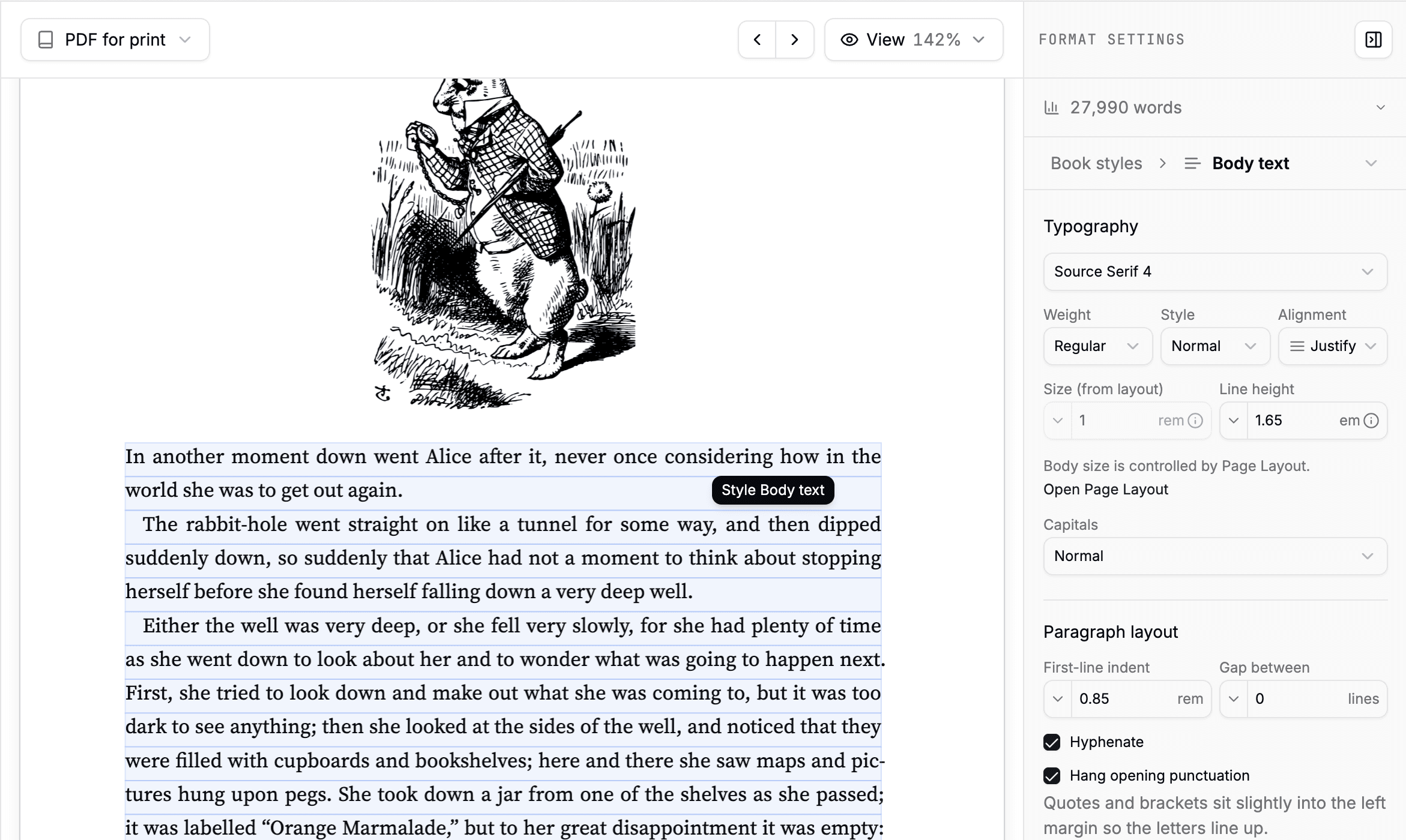
Start with a book theme, then adjust type, spacing, chapter openings, headings, and running matter.
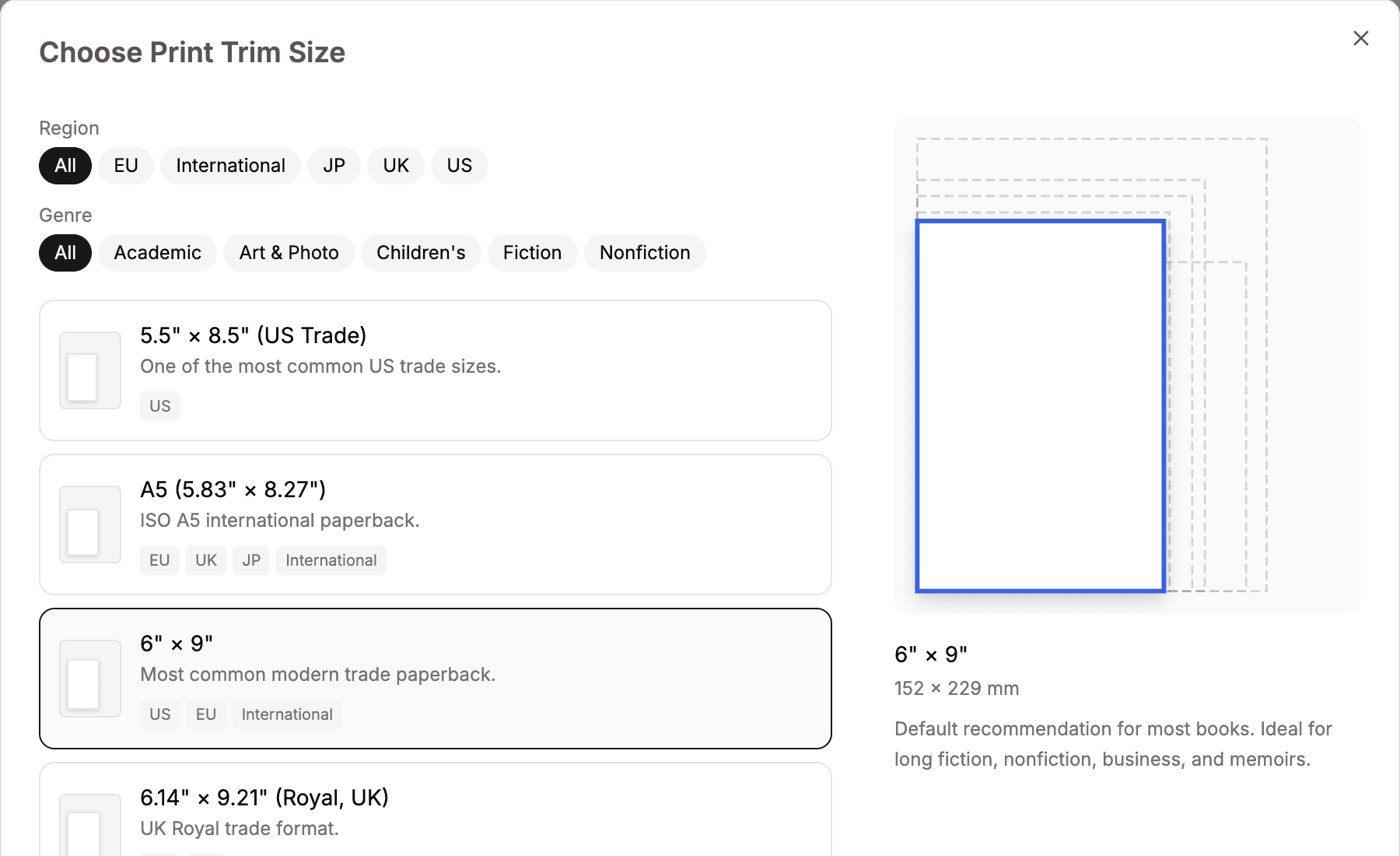
Choose a trim size, type size, margins, bleed amount and edges, and crop marks with a paginated preview.
Create print PDF, screen PDF, EPUB, static HTML, Markdown, or a complete Folius backup.
Start a book in the browser. Export EPUB free. No account or card required.